Kubernetes tunnel — temporary cluster access with a single link
Here's a familiar scenario: a contractor needs to check logs in the staging cluster, a colleague from another team needs to help with debugging, and the cluster's API server isn't reachable from the internet. The usual choice is between "set them up with a VPN and an account" and "send them your kubeconfig" — and both options are bad.
We've added a new tunnel type to tuna-cli 0.36: Kubernetes. One command, and the guest gets a link to a ready-made kubeconfig that works with plain kubectl:
tuna kubernetes --context=staging --service-account=shop/debug --preset=debug --ttl=4h
How it works
The client reads your local kubeconfig, starts a reverse proxy to the API server and exposes it through an HTTP tunnel with a valid TLS certificate. The guest gets a one-time link:
curl -sfO https://<tunnel address>/tuna/<secret>/kubeconfig.yaml
KUBECONFIG=./kubeconfig.yaml kubectl get pods
The downloaded kubeconfig contains a guest token, not your credentials. The proxy checks this token and swaps it for your real credentials, which never leave your machine. Stop the tunnel and access is gone — there's nothing to revoke.
Everything kubectl users are used to works through the tunnel: get, list, watch, logs, exec with stdin, port-forward, pods/proxy and writes — scale, create, delete. Essentially, it's an auth proxy for the Kubernetes API that starts with a single command and lives exactly as long as you need it.
You control the guest's permissions
The first line of defense is RBAC. By default, the guest acts with your permissions, and the client warns you about it up front. The better way is to create a service account with minimal permissions for the guest and pass it in the --service-account flag. The client then issues a token for it via the TokenRequest API and renews it every hour.
The second line is the tunnel's own restrictions. They work on top of RBAC and can only narrow permissions:
| Flag | What it does |
|---|---|
--namespace=shop | A single namespace only, no cluster-scoped resources and no -A |
--read-only | Read-only: no exec, attach or port-forward, but logs are allowed |
--no-delete | Everything except deleting |
--deny-resource=secrets,configmaps | Denies specific resources |
--deny-subresource=exec,attach | Denies subresources |
Presets save you from combining restrictions by hand:
| Preset | What is allowed |
|---|---|
view | Read-only, no secrets, exec, attach, port-forward or proxy |
observer | Read-only access to pods and their logs |
debug | Everything except deleting |
open | No extra restrictions |
Presets and flags add up and never weaken each other: --preset=debug --read-only gives read-only access.
Lifetime and one-time links
--ttl=4h— after four hours, the guest'skubectlgetsthis access has expired, ask for a new link.--download-limit— how many times the kubeconfig can be downloaded, once by default. If the guest gets410on the very first try, someone else got to the config first: stop the tunnel and issue a new link.
Guest tokens live only in the process memory: after the client restarts, old links stop working.
Full visibility
The tunnel runs in the new terminal interface: the header shows the service account, namespace, restrictions and access expiry, and below it, a feed of the guest's requests. The same requests show up in the Request Inspector as regular HTTP requests, so you always know exactly what the guest did in the cluster.
Who it's for
- Contractors and outsourced teams — give them access to staging for the duration of the job, without creating cloud accounts.
- Support and on-call engineers — quickly let a colleague in to look at logs and pods in
observermode. - Demos and training — show a cluster at a workshop with
--read-onlyand a short--ttl. - Local clusters — kind, minikube or k3s on your laptop become reachable to a colleague without port forwarding.
If you need a permanent address, use a reserved subdomain (--subdomain=k8s-staging) or a custom domain. You can also run the tunnel as a service.
The Kubernetes tunnel is available with a subscription starting with tuna-cli 0.36.0. The command has a short alias, tuna k8s. All flags and details are in the documentation.
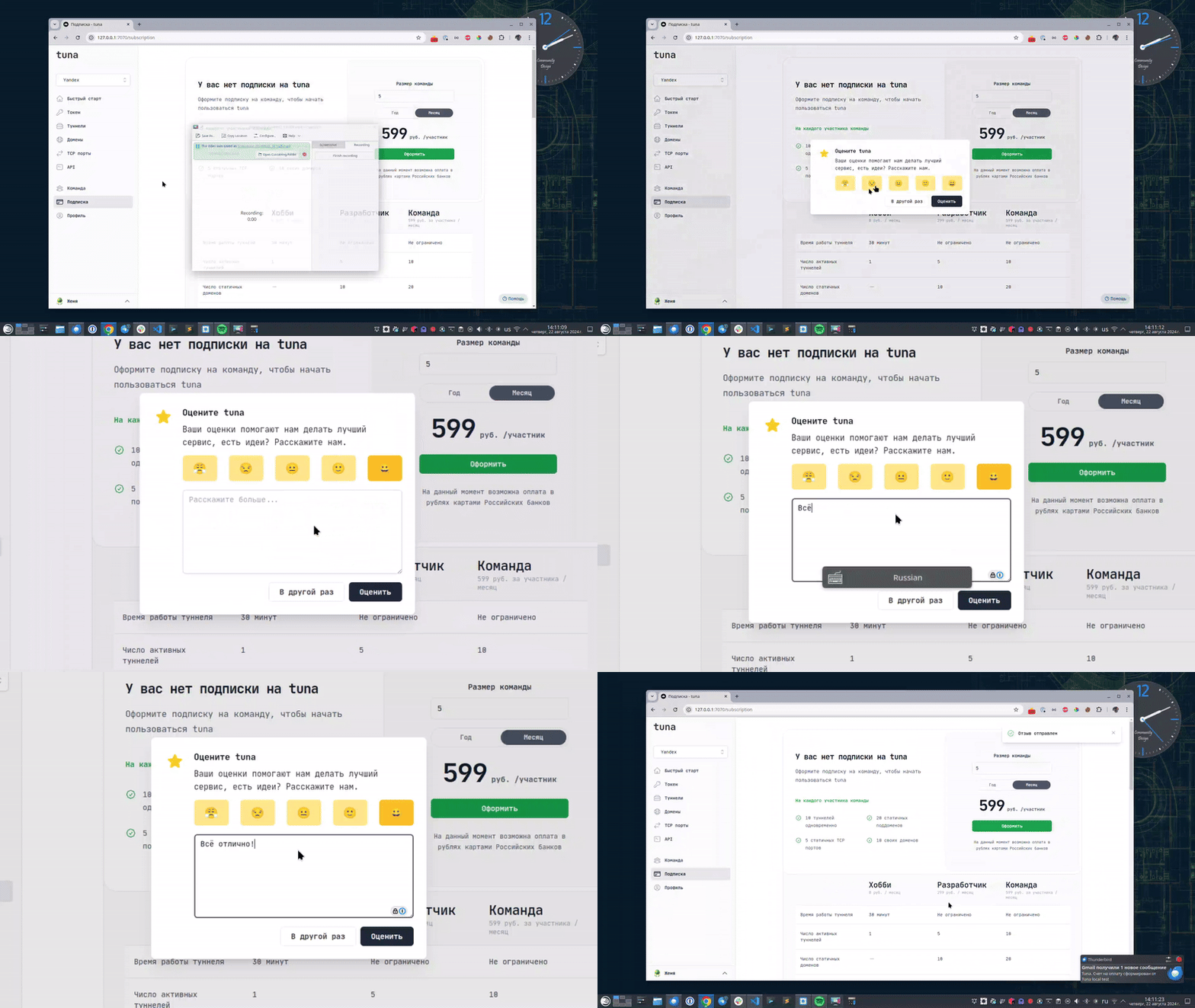
Leave feedback
If you enjoy using Tuna, or on the contrary you are not happy with something, please leave feedback.
News
We announce new features and posts on our Telegram channel. Subscribe so you don't miss anything.
Help
We value our users and carefully review every request. If you have any problems with tuna, please contact us in one of the following ways: