1C tunnel — your infobase on the internet with a single command
Your 1C infobase lives on an office computer, but you need to work with it from home or on a business trip, or show it to a client. 1C:Enterprise is an accounting and business automation platform widely used in Russia, and an infobase is where it keeps a company's data. The usual options are remote desktop, a VPN or publishing the infobase on a web server. The last one is the most convenient for users — the infobase opens right in the browser — but also the most hassle: you need to install Apache or IIS, plug the 1C module into it, forward a port on the router, get a public IP and issue a certificate.
We've added the tuna 1c command to tuna-cli 0.37, and it does all of this for you. One command, and the infobase is available at an HTTPS address:
tuna 1c "My infobase" --basic-auth="login:password"
How it works
1C has no HTTP server of its own: the web client and the thin client over HTTP are served by the web server extension module, which is loaded into Apache or IIS. tuna 1c takes care of the whole chain:
- finds the installed 1C platform and its web server extension module;
- on the first run, downloads Apache httpd into its cache;
- starts it on
127.0.0.1and publishes the infobase in it; - opens an HTTP tunnel to that web server.
The web server listens only on the local address, and it's the tunnel that exposes the infobase to the outside. Stop the command, and the publication is gone along with the tunnel.
Quick start
Pick the 1C installation and the infobase in the wizard once:
tuna 1c setup
The wizard saves your choice to the configuration file, and from then on you can publish the infobase without arguments:
tuna 1c --basic-auth="login:password"
You can also specify the infobase explicitly — by its name in the 1C launcher list, the directory of a file infobase or the connection string of a client/server infobase:
tuna 1c "My infobase"
tuna 1c "C:\Bases\MyBase"
tuna 1c "Srvr=localhost;Ref=MyBase"
Web client and thin client
Open the tunnel address in a browser — tuna redirects to /1c/ and takes you to the web client:
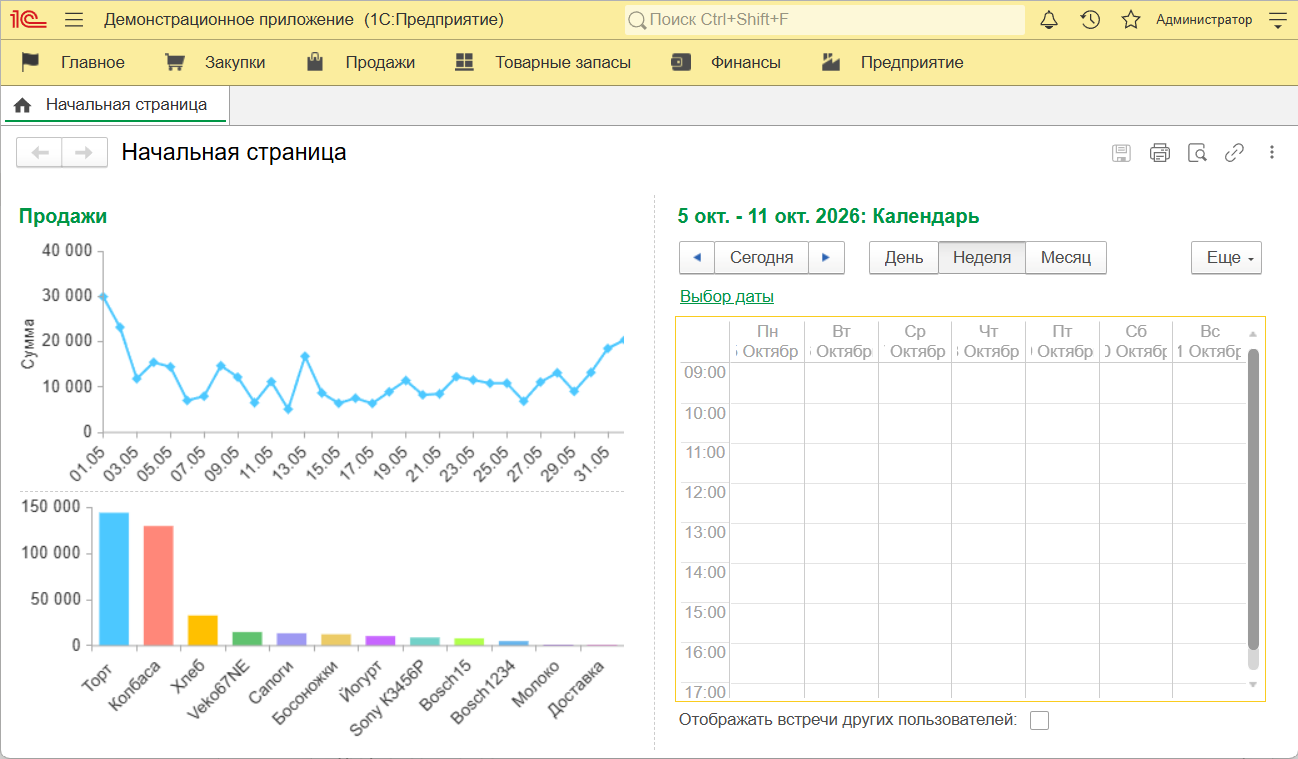
For the thin client, the header of the terminal interface has a 1C client line with a ready-made launch parameter:
1cv8c.exe ENTERPRISE /WS"https://<tunnel address>/1c"
You can also add the same address to the launcher list as an infobase located on a web server. So that users don't have to change the link and the /WS parameter after every restart, set a permanent address: a subdomain (--subdomain=my-1c) or a custom domain (--domain=1c.example.com).
Your infobase is on the internet — lock it down
tuna 1c opens the infobase to the whole internet, and only the 1C login window stands between a stranger and your data. That's why it's worth locking down the publication at the tunnel level as well — then an unwanted request never even reaches 1C:
| Flag | What it does |
|---|---|
--basic-auth="login:password" | Asks for a login and password before the request reaches 1C |
--key-auth="my-secret-key" | Lets through only requests with the key in the X-Token header |
--cidr-allow="203.0.113.0/24" | Allows access only from the specified subnets |
--rate-limit=20 | Limits the request rate |
If you run the command without --basic-auth and --key-auth, tuna shows a warning. Also check the passwords of the infobase users themselves: an account without a password, especially one with administrator rights, is an open door.
All requests to the infobase show up in the Request Inspector, so you always know who accessed it and when.
What you need
- A tuna subscription. You can't publish an infobase on the free plan.
- Windows x64. The command exists only in the tuna build for Windows x64, while the 1C platform itself can be either 32-bit or 64-bit.
- The "Web server extension modules" component in the 1C installation. It may be unselected by default — the documentation has a guide with screenshots.
- A 1C license that allows connections through a web server. The training edition won't work, but the free developer license is enough to try it out.
If tuna can't find 1C or the infobase, tuna 1c discover shows which installations, modules and infobases tuna sees on the computer.
Who it's for
- Remote employees — an accountant or a manager opens the infobase from home in a browser, without a VPN or remote desktop.
- 1C developers and implementation consultants — show a client your customization right from your own computer, without setting up a separate test environment.
- Small offices — access to the infobase without a public IP, router configuration or a web server of your own.
- Integrations — you can edit the
default.vrdpublication file by hand: for example, enable OData or HTTP services and debug data exchange with an external system.
The command is new
We tested it on Windows 11 with the 32-bit 1C 8.3.27 platform and a file infobase. Client/server infobases on a production cluster, the 64-bit platform and 1C 8.5 haven't been tested yet — see the full list in the documentation. If something doesn't work for you, let us know and we'll help you sort it out.
tuna 1c is available with a subscription starting with tuna-cli 0.37.0. All flags and details are in the documentation, and you can update the client by following the update guide.
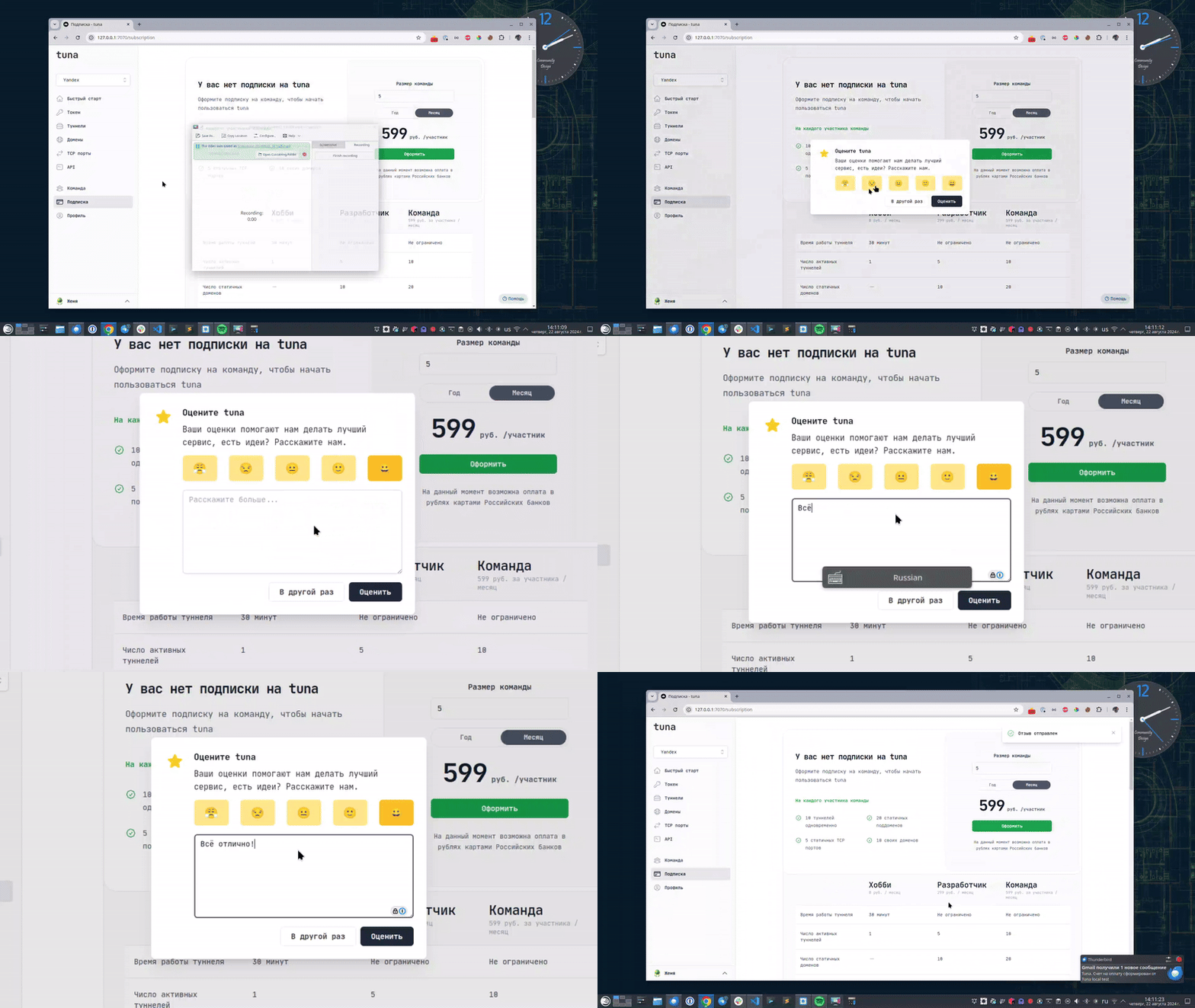
Leave feedback
If you enjoy using Tuna, or on the contrary you are not happy with something, please leave feedback.
News
We announce new features and posts on our Telegram channel. Subscribe so you don't miss anything.
Help
We value our users and carefully review every request. If you have any problems with tuna, please contact us in one of the following ways: